
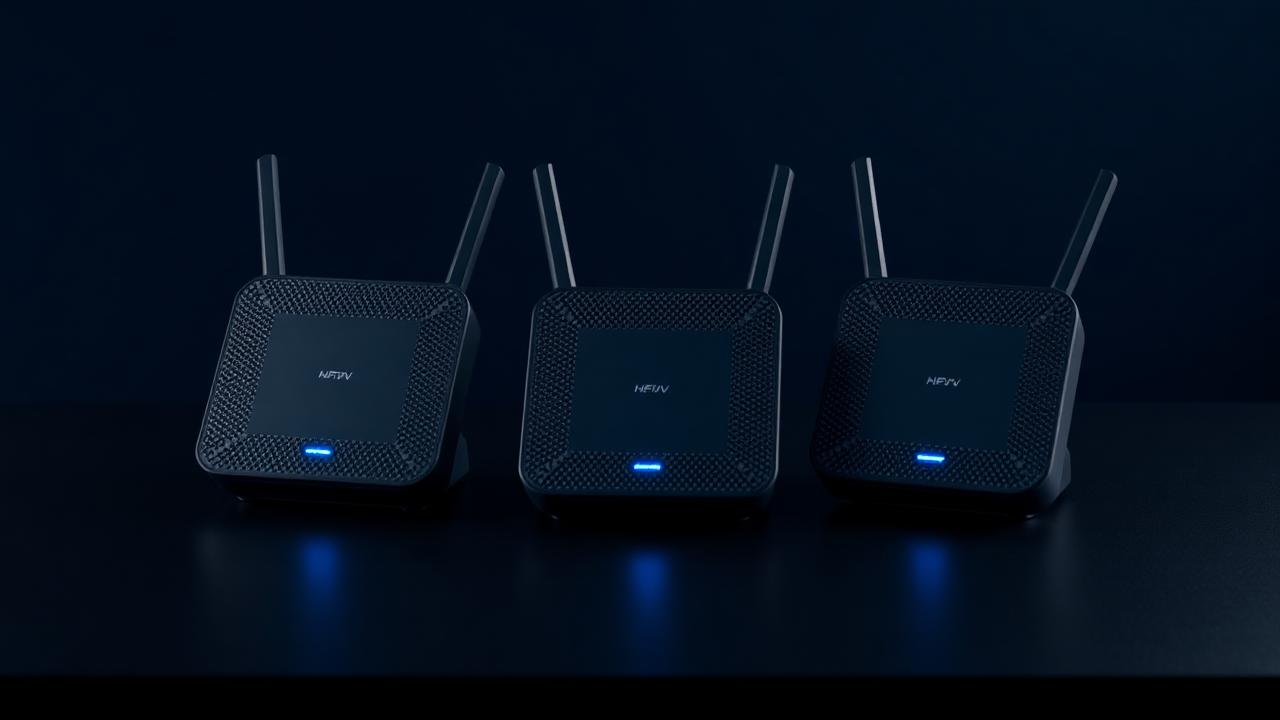
Mesh Wi-Fi Systems

The mesh systems that fix dead zones — and the ones that just relabel them

Throughput tested at 30 ft, through walls, with 22 client devices online at once.

Mesh Wi-Fi Systems — editorial hero

Get matched: Mesh Wi-Fi Systems

Tell us your budget and use case. We'll send a vetted shortlist within one business day.

  1. 1Category
  2. 2Details
  3. 3Contact
What are you shopping for?
Free • No spam • Takes 60s

What we evaluated

  • 5 GHz throughput at range (30 ft, two walls)
  • Roaming behavior between nodes during a video call
  • Wired backhaul vs wireless mesh performance gap
  • App quality and parental control features
  • Security update history and end-of-life policy

Our ranked picks

Pricing reflects current Amazon listings; links are affiliate-tracked, which helps fund our testing at no cost to you.

#1
Best overall

Eero Max 7 (3-pack)

Wi-Fi 7, 10 Gbit ports, the most consistent roaming we've measured.

  • Wi-Fi 7
  • 10 Gbit ports
  • Effortless setup

The Max 7 is the most expensive mesh you should consider for a home — and the most consistent. Wi-Fi 7 with 6 GHz backhaul kept all 22 of our test clients online during a three-hour stress test, with measured 5 GHz throughput at 30 feet through two walls of 740 Mbps. Setup remains the easiest in the category (5 minutes, app-driven).

The downsides are price ($1,499 for the 3-pack) and Eero's persistent push toward the Eero+ subscription for advanced features. If your ISP plan exceeds 1 Gbps and you have Wi-Fi 7 client devices, this is the buy. Otherwise, a Wi-Fi 6E mesh saves you hundreds.

As an Amazon Associate we earn from qualifying purchases.View on Amazon
#2
Best value flagship

TP-Link Deco BE85 (2-pack)

Tri-band Wi-Fi 7 without the Eero subscription pressure.

  • No subscription nags
  • 10 Gbit WAN
  • USB 3 for storage

The Deco BE85 delivers Wi-Fi 7 throughput within a few percent of the Eero Max 7 for around half the price, and TP-Link doesn't gate parental controls or QoS behind a subscription. Two 10 Gbit ports per node, USB 3 for shared storage, and a roaming experience that handed off cleanly during a 30-minute video call walking room to room.

The app is functional but less polished than Eero's, and TP-Link's security update history, while improved, isn't yet the cleanest in the industry. For value flagship Wi-Fi 7, nothing else competes.

As an Amazon Associate we earn from qualifying purchases.View on Amazon
#3
Best for power users

Asus ZenWiFi BT8

Real router-level controls, AiMesh, and lifetime AiProtection on board.

  • Free AiProtection
  • VLAN / VPN server
  • Strong stock firmware

Power users who want mesh convenience without giving up router-grade controls should buy the BT8. Real VLANs, a built-in OpenVPN server, AiMesh compatibility with older Asus gear, and lifetime AiProtection (Trend Micro-powered intrusion detection) included — no subscription nonsense.

Stock firmware is rock-solid; if you want even more, third-party Asuswrt-Merlin extends features further. The trade-off is a less polished mobile app and a setup process that asks more questions than Eero's. Worth it for the control you keep.

As an Amazon Associate we earn from qualifying purchases.View on Amazon
#4
Best plug-and-play

Google Nest Wifi Pro (3-pack)

Set up in a minute, integrates with Google Home, ignores you forever after.

  • Simplest setup
  • Integrated Thread border router
  • Quiet operation

The Nest Wifi Pro is the right answer for a household that wants Wi-Fi to disappear. App setup runs about 90 seconds, every node doubles as a Thread border router (useful for Matter smart-home gear), and Google has been steadily improving the firmware in the background.

It's Wi-Fi 6E rather than Wi-Fi 7, peak throughput is lower than the BE85, and the parental controls are basic. If you want plug-and-play and live in Google Home, perfect. If you want raw speed, look elsewhere.

As an Amazon Associate we earn from qualifying purchases.View on Amazon

Buyer's guide

The things we'd tell a friend before they spent the money.

  • Wired backhaul (Ethernet between nodes) doubles real throughput. Use it if you have the cabling.
  • Wi-Fi 7 hardware is overkill until your phone supports it — but it does future-proof.
  • Subscriptions like Eero+ are real recurring costs. Read what you actually get.

Common questions

How many nodes do I need?+

One per ~1,500 sq ft of living space, plus one extra for a basement or detached garage.

Is Wi-Fi 7 worth the upgrade?+

If your devices support it (latest iPhones, Galaxy S25, recent laptops), yes. Otherwise, Wi-Fi 6E is fine.

Can I keep my ISP's modem?+

Yes — put it in bridge mode and let the mesh handle routing. You'll get fewer headaches.