
Laptops & Chromebooks

The laptops and Chromebooks worth your money in 2026

Sustained performance under thermal load, battery life on a real workload, and screens that don't lie about color.

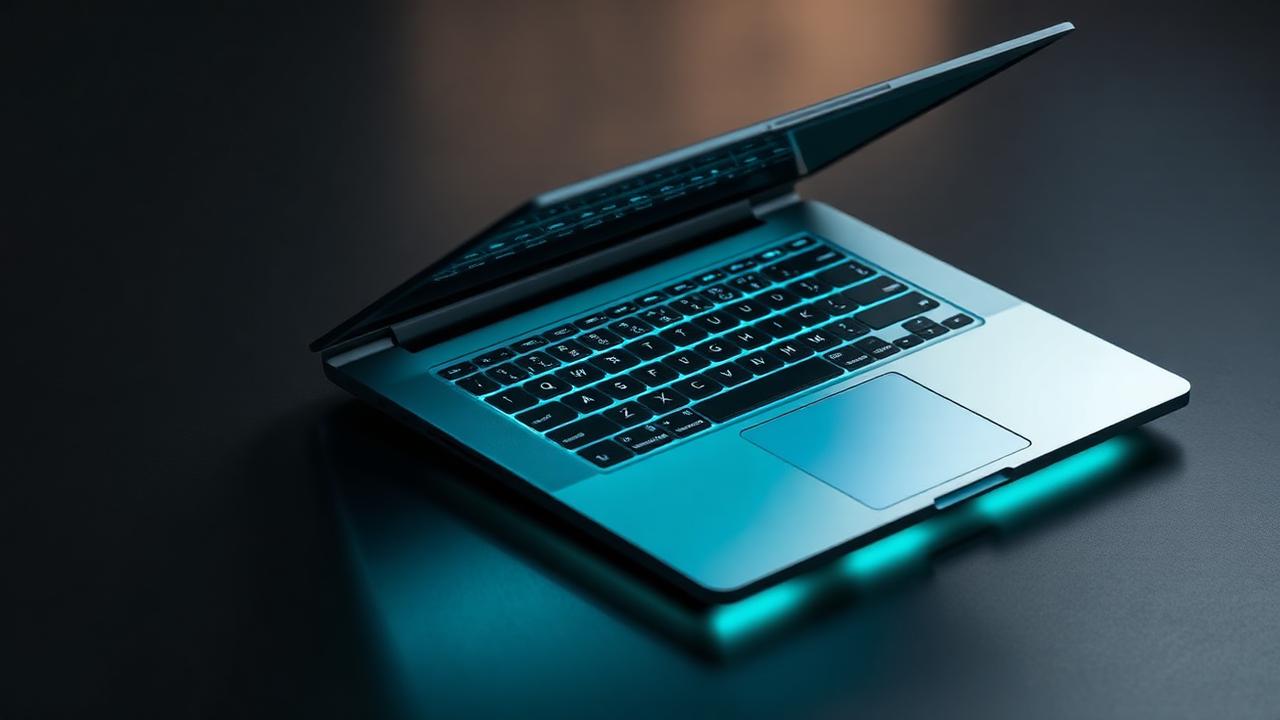
Laptops & Chromebooks — editorial hero

Get matched: Laptops & Chromebooks

Tell us your budget and use case. We'll send a vetted shortlist within one business day.

  1. 1Category
  2. 2Details
  3. 3Contact
What are you shopping for?
Free • No spam • Takes 60s

What we evaluated

  • Sustained CPU/GPU score after 30 minutes of load
  • Battery life on a mixed productivity workload (not idle)
  • Display gamut, brightness, and panel uniformity
  • Keyboard travel, trackpad accuracy, and hinge feel
  • Repairability, port selection, and price-per-spec

Our ranked picks

Pricing reflects current Amazon listings; links are affiliate-tracked, which helps fund our testing at no cost to you.

#1
Best overall

Apple MacBook Air 15" (M4)

Silent, 18-hour battery, the screen is genuinely color-accurate out of the box.

  • 18 hr real battery
  • Fanless silent
  • Excellent display

The 15-inch M4 Air is the laptop we recommend to friends without follow-up questions. Eighteen hours of real-world battery on a mixed workload (browser, docs, Slack, light video calls), totally silent because there's no fan, and a Liquid Retina display that's color-accurate out of the box. The keyboard is the best Apple has shipped in years.

Caveats: 16 GB of unified memory is the smart minimum (the $1,099 8 GB tier is a trap), the camera is mediocre, and macOS is a hard dealbreaker if your work depends on Windows-only software. For everyone else, this is the laptop.

As an Amazon Associate we earn from qualifying purchases.View on Amazon
#2
Best Windows ultraportable

Lenovo ThinkPad X1 Carbon Gen 13

Best-in-class keyboard, mil-spec build, full Linux support if you want it.

  • Iconic keyboard
  • Soldered-but-fast SSDs
  • 5G optional

The X1 Carbon's keyboard is genuinely the best on any ultraportable, and Gen 13 finally pairs it with a panel (2.8K OLED option) that doesn't feel like a compromise. Mil-spec build, full Linux support out of the factory, and an ecosystem of docks and accessories that's two decades deep.

The 14-inch chassis runs warm under sustained load (Intel's Lunar Lake is efficient but not magic), and Lenovo's pricing is theatrical — wait for a 30%+ corporate sale instead of paying MSRP. Worth every cent of the wait.

As an Amazon Associate we earn from qualifying purchases.View on Amazon
#3
Best for repairability

Framework Laptop 13 (AMD)

Modular ports, user-replaceable everything, mainboards you can swap in 3 years.

  • Truly upgradable
  • Open BIOS
  • Linux-friendly

Framework is the only mainstream laptop in 2026 where you can swap the mainboard in three years and turn an aging machine into a current one. Ports are modular (slide in USB-C, HDMI, MicroSD, or 2.5G Ethernet as you need them), the keyboard is replaceable in 20 seconds, and the documentation is open and excellent.

The trade-off is build quality: it's good, not Apple-good, and battery life sits around 8–10 hours rather than the 14+ of an Air. If repairability and Linux support matter to you, nothing else competes.

As an Amazon Associate we earn from qualifying purchases.View on Amazon
#4
Best Chromebook

Acer Chromebook Plus 514

Fast enough to feel like a real laptop, with the security and updates of ChromeOS.

  • 10-yr update guarantee
  • Backlit keyboard
  • Long battery

ChromeOS in 2026 covers most non-creative-pro workflows: docs, browser, video calls, Android apps, and increasingly, web-based versions of Photoshop and Figma. The Chromebook Plus 514 is fast enough that you'll forget it's a Chromebook — Ryzen 7530U, 16 GB RAM standard, backlit keyboard, and a good 1080p panel.

The 10-year automatic update guarantee is the underrated headline. You will get a decade of security patches with no fiddling. For a kid's homework laptop, a couch browser, or a work-from-anywhere second machine, this is the smart $499 spend.

As an Amazon Associate we earn from qualifying purchases.View on Amazon

Buyer's guide

The things we'd tell a friend before they spent the money.

  • Don't trust manufacturer battery claims — look for a verified video-loop test.
  • 16 GB of RAM is the new floor; 8 GB will feel tight inside two years.
  • If you ever plan to upgrade RAM or storage, soldered components are a deal-breaker.

Common questions

Mac or Windows in 2026?+

Mac if you value battery and silence. Windows if you need specific software, gaming, or a wider price range.

Is a Chromebook enough?+

For email, docs, browser, and Android apps — yes, and the security model is excellent.

How much SSD do I need?+

512 GB for everyday use; 1 TB if you store local video, large code repos, or game libraries.